
Lifeguard training. Bike trips to the library. A summer leadership program at a university. <<< Y’all, the squishy baby that I used to take everywhere with me is now fourteen and doing a lot of things on her own. And while I love watching Katie‘s independence grow, I also want to know that she can reach me if she needs to.
That’s why late last year my husband decided to give her a phone to keep in touch.
Now, as someone who has encountered my fair share of weirdness on the internet and social media, I was not about to hand her a fully enabled smartphone. I trust her, but I also know that I’ve innocently searched a phrase and received, uh, unexpected results. Oh, and then there are always the random spam texts from unknown numbers to consider, plus access to highly addictive games that can have a profound impact on developing brains and other concerns.
At the same time, flip phones don‘t offer some of the features I really wanted her to have, like:
That’s why I was so happy to find the Troomi phone, which does all that and more. We’ve had it for 6+ months now, so I thought I‘d share the pro’s and con’s, plus how to save $50 if you want to try Troomi.
Troomi is an all-in-one solution that handles everything from the carrier service to the device to the safeguards. Here’s why I think it makes a great first phone:
My favorite thing about Troomi is that I can gradually increase phone functionality as my kids needs and maturity levels grow.
All of their plans include:
As kids mature, parents can add freedoms like:
I’ve already mentioned that the phone’s functionality is adjustable, but just as importantly it’s EASILY adjustable. All in one place, you can:
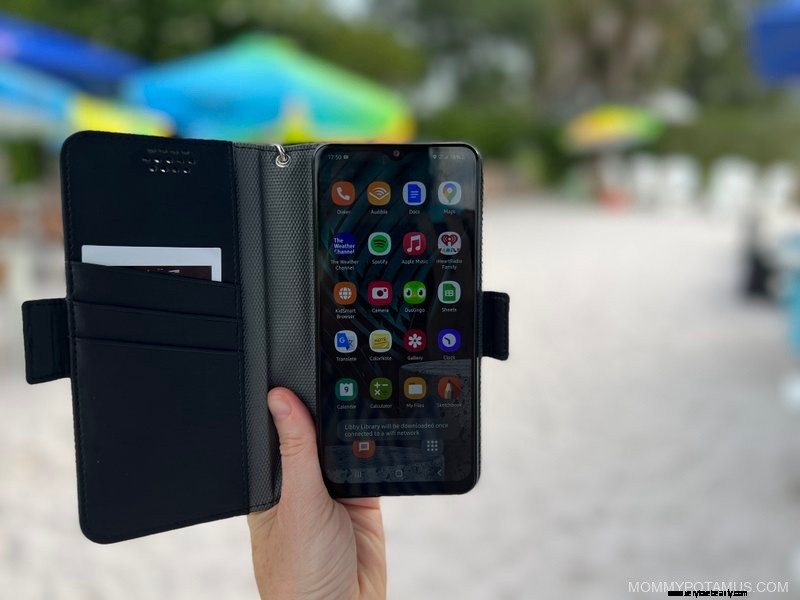
Unlike some companies that use off-brand phones that are prone to breaking, Troomi uses Samsung phones that feel sturdy and high quality. My daughter likes that it looks like a normal phone and not a “locked down” one, and I like that the model we got – Samsung A12 – fits well in this EMF protection case from Defendershield.
I also recommend adding Ocushield, which blocks up to 90% of blue light emissions when applied to a device’s screen like a screen protector. Blue light can negatively impact sleep and cause eye strain, and kids are more vulnerable to the effects than adults.
Also, unlike apps and ‘night mode’ settings, Ocushield doesn’t change the color on your screen. It’s an accredited Class 1 medical device by the MHRA in the UK.
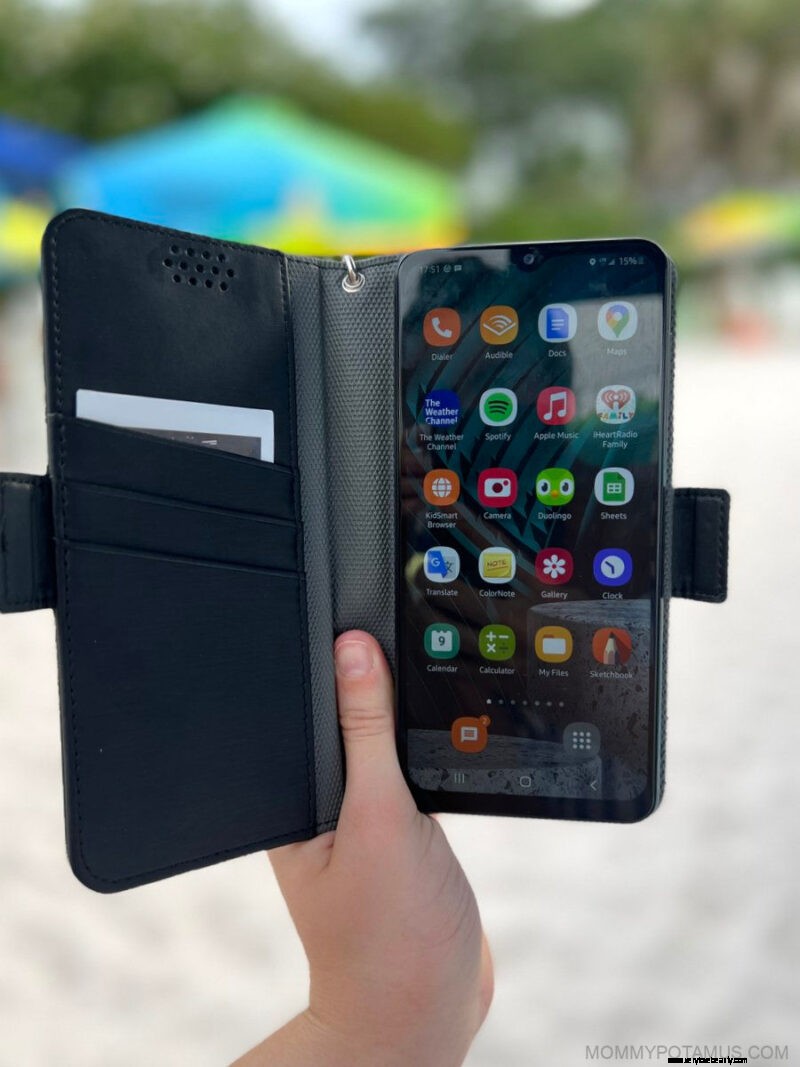
According to my daughter, the Troomi phone can be a little slow to startup when it’s first turned on. I think that’s probably because the KidSmart OS™ Android operating system is running security protocols that are not used on other devices, so it’s a worthwhile tradeoff in my opinion.
Also, most of the KidSmart® Safe Apps only work when connected to WiFi in safe places, like home, church and school. We don‘t have wifi in our home – the entire house is wired with ethernet cables – so she only uses a few apps. She doesn’t seem to mind, though.
Gabb Wireless was another option we considered for a first phone, and I think it’s a pretty good one. Both offer plans that allow just texting/calling OR texting/calling/texting photos and group chat. Both have GPS tracking, a camera, and some basic apps that are pre-installed. Ultimately, though, we went with Troomi for a few reasons:
Of course, right? Well, good news: Just for you guys, Troomi is offering $50 off your first month. Also, if you sign up before July 31st, you ‘ll be automatically entered in their Golden Ticket Giveaway. There are 25 prizes available, including: